Enhancing Student Learning with The Achievery Classroom Feature
There is always something exciting to discover within The Achievery, especially when it comes to supporting meaningful, engaging learning for students. One feature that stands out in a special way is Classroom. It is a wonderful tool for teachers and librarians who want to bring lessons together in one easy-to-use space, making it simpler than ever to assign activities, share content, and keep track of student progress.
Classroom is designed to simplify and enhance instruction while helping educators manage all of their classes in one place.
The new Classroom feature makes it easier than ever to bring engaging lessons directly to students. Educators can create their own classes, assign videos and activities, and monitor student progress all from one simple dashboard.

With Classroom, educators can:
- Assign lessons and activities from across The Achievery’s library
- Track completion and student performance in real time
- Support both in-class and remote learning environments
Whether introducing a new unit, planning enrichment opportunities, or organizing blended learning, Classroom gives educators the tools to personalize instruction and help keep every student on track, without extra platforms or logins.
Getting started is simple and creating a class can be done in three easy steps.
You can get started today creating a class in these three easy steps.
- Search for your specific topic. For example, I used “Grade 4, AI” for the 4th grade AI lessons, and it gave me a full list.
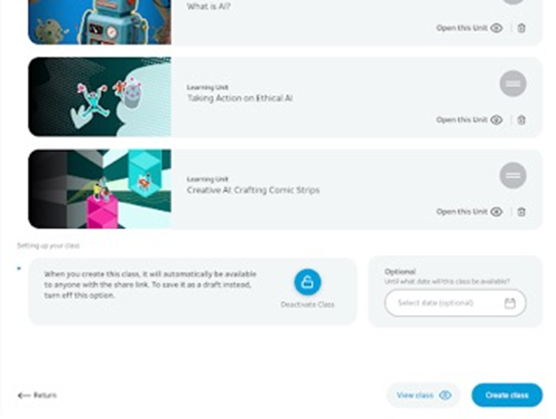
- From the search results, select what lessons you’d like to include.
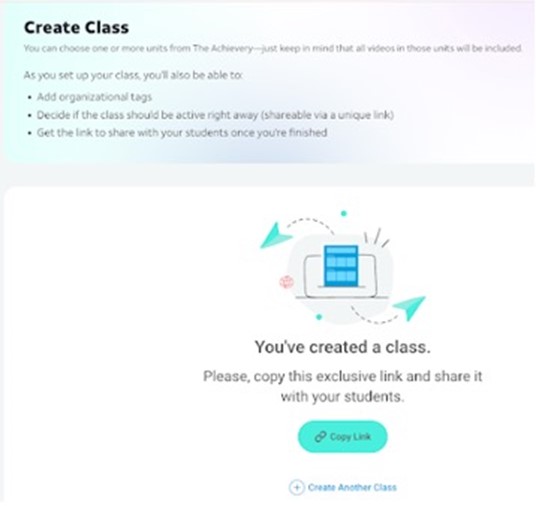
- Then click on Create Class and it will give you the link to share with your students.
You will do this for every class you want to have in The Achievery.
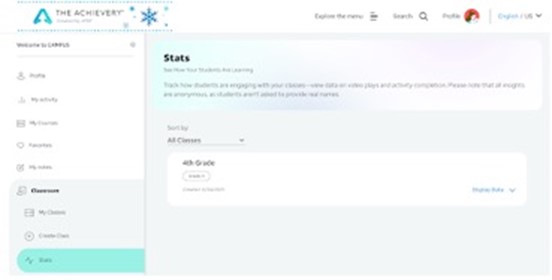
Once your students start working, it will track student progress and watch how they are engaging with the content within your classes. You can track the data on video plays and activity completion.
An important thing to remember is that all insights are anonymous, as students are never asked to provide real names. This helps us as teachers and librarians understand participation and learning while keeping student privacy protected.
You can create multiple classrooms to support varying content areas.
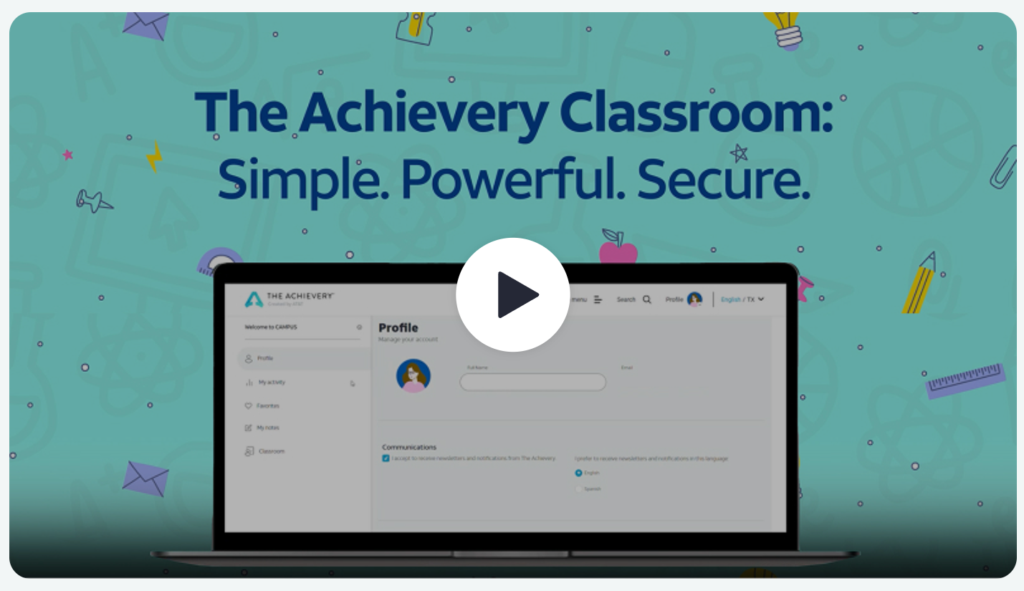
If you need a little help, check out this tutorial on setting up Classrooms.
Join The Achievery!
Before you begin, be sure to sign up for a FREE Achievery account! The Achievery is a free and safe online learning platform created by AT&T to provide K-12 students with engaging and entertaining videos paired with educational activities.

Shannon McClintock Miller,
Shannon McClintock Miller, Future Ready Librarian Spokesperson, District Teacher Librarian Innovation Director.
Van Meter Community School (IA),
Developed in collaboration with: